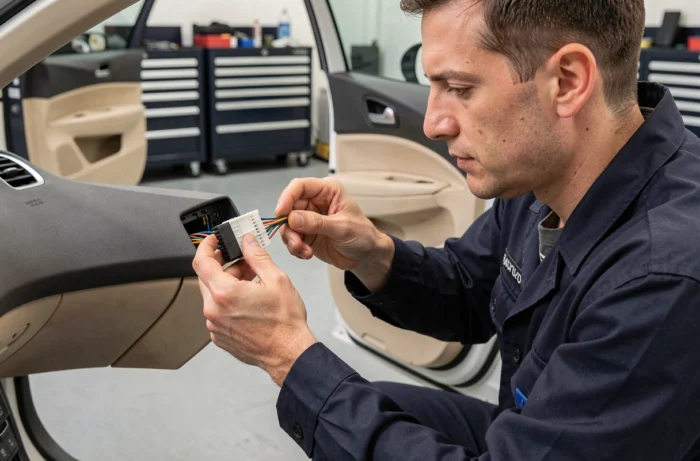
Replacing the original radio in a Peugeot with an Android unit seems simple on paper. In practice, the difficulty lies not in removing the faceplate, but in the electrical connection between the vehicle’s wiring harness and the new radio’s connector. Wire colors, canbus management, and retaining steering wheel controls: every detail matters to achieve a stable installation.
The Peugeot canbus, a necessary step before any connection
Competitors talk a lot about wire colors, but on a recent Peugeot, the real technical issue lies upstream. The canbus network manages communication between the vehicle’s control units: lighting, dashboard, power steering, and also the original audio.
When you remove the original unit, the canbus loses its interlocutor. Without a canbus adapter box connected between the Peugeot harness and the Android radio, you risk error messages on the dashboard or even malfunctioning steering wheel controls.
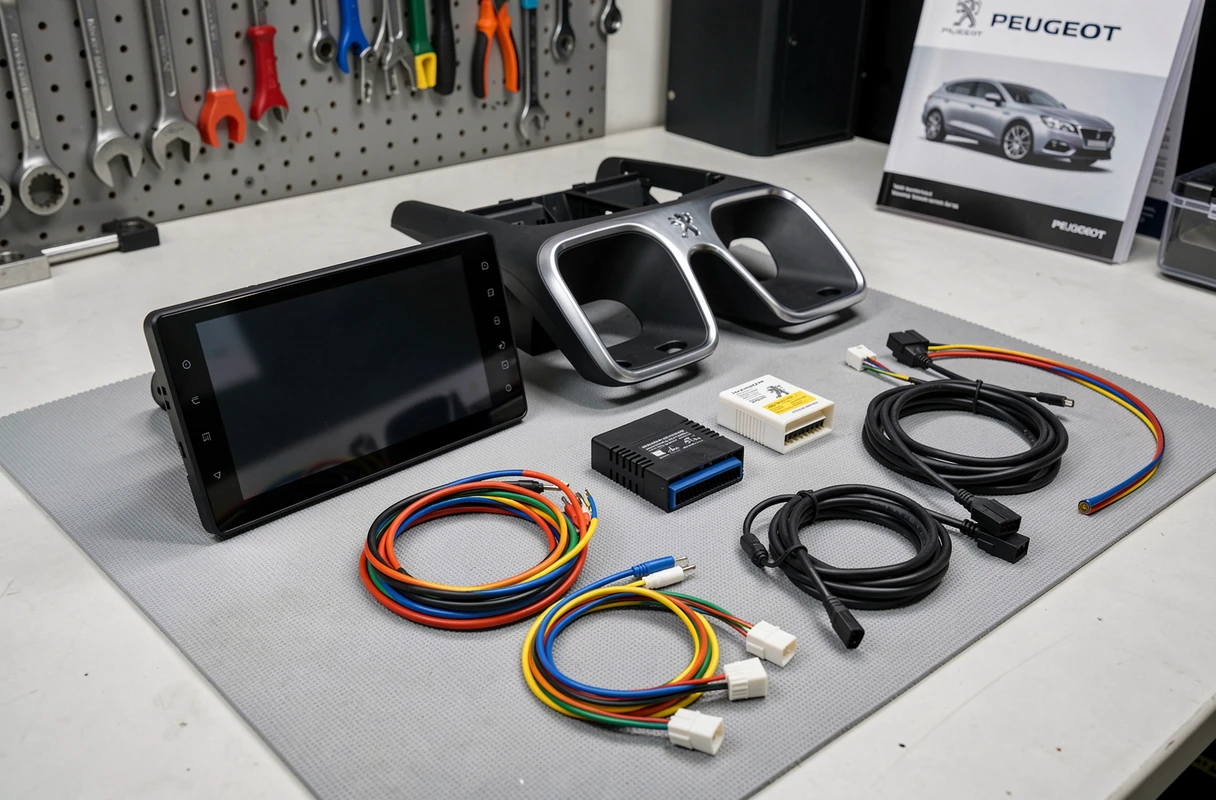
The canbus box translates Peugeot signals for the Android radio. It connects to the vehicle’s original connector, in parallel with the power harness. Radios sold with a specific Peugeot kit usually include this box. If you buy a generic unit, check that a canbus adapter compatible with your exact model (207, 308, 3008, Partner, Expert) is available. The protocol varies from generation to generation.
Before ordering anything, identify on a Peugeot radio wiring color diagram the ISO or proprietary connector used by your model. This identification prevents purchasing an incompatible adapter.
Wiring connection: power, audio, and antenna
The harness of an Android radio includes three distinct groups of wires. Mixing functions can result in total silence at best, or a short circuit in the audio circuit at worst.
Power and ignition
Two wires are crucial: the permanent power wire (often yellow) and the ignition wire (often red). Reversing these two wires prevents the settings from being saved every time the engine is turned off. The permanent wire remains powered even when the ignition is off. The ACC wire receives power only when the key is in the accessory or ignition position.
On Peugeot, the original connector sends these two power supplies via the ISO harness. An ISO-ISO or ISO to Peugeot proprietary connector adapter simplifies the connection: you plug connector to connector, without stripping any wires.
Audio output to the speakers
The speaker wires are paired by color: one positive wire and one negative wire for each speaker (front left, front right, rear left, rear right). Respecting polarity avoids phase inversion that degrades audio quality in an audible way, especially in the bass.
FM and DAB antenna
The antenna wire connects via a coaxial connector. On some Peugeots, the original antenna uses a Fakra connector (rectangular, often blue). A Fakra to standard connector adapter is sufficient. For DAB reception, a separate DAB antenna wire may be necessary if the Android radio includes a DAB tuner.
Steering wheel controls and original functions to retain
Why lose control of volume or track change from the steering wheel after installing an Android unit? This is what happens without proper configuration.
The steering wheel controls go through the canbus or through a resistive analog wire, depending on the generation of Peugeot. The canbus box mentioned earlier manages this signal on newer models. On older Peugeots (206, first 307), a separate steering wheel control adapter converts the resistive signal into a signal compatible with the “steering wheel control” input of the radio.
On the Android radio side, a settings menu allows you to associate each steering wheel button with a function. The procedure involves pressing a steering wheel button, then selecting the corresponding action in the menu (volume +, volume -, next track, answer call).
- Ensure that the canbus box or control adapter is powered before starting the setup
- Test each button individually: some Android units require a restart between two associations
- If a button does not respond, the protocol of the canbus box likely does not match your exact model year
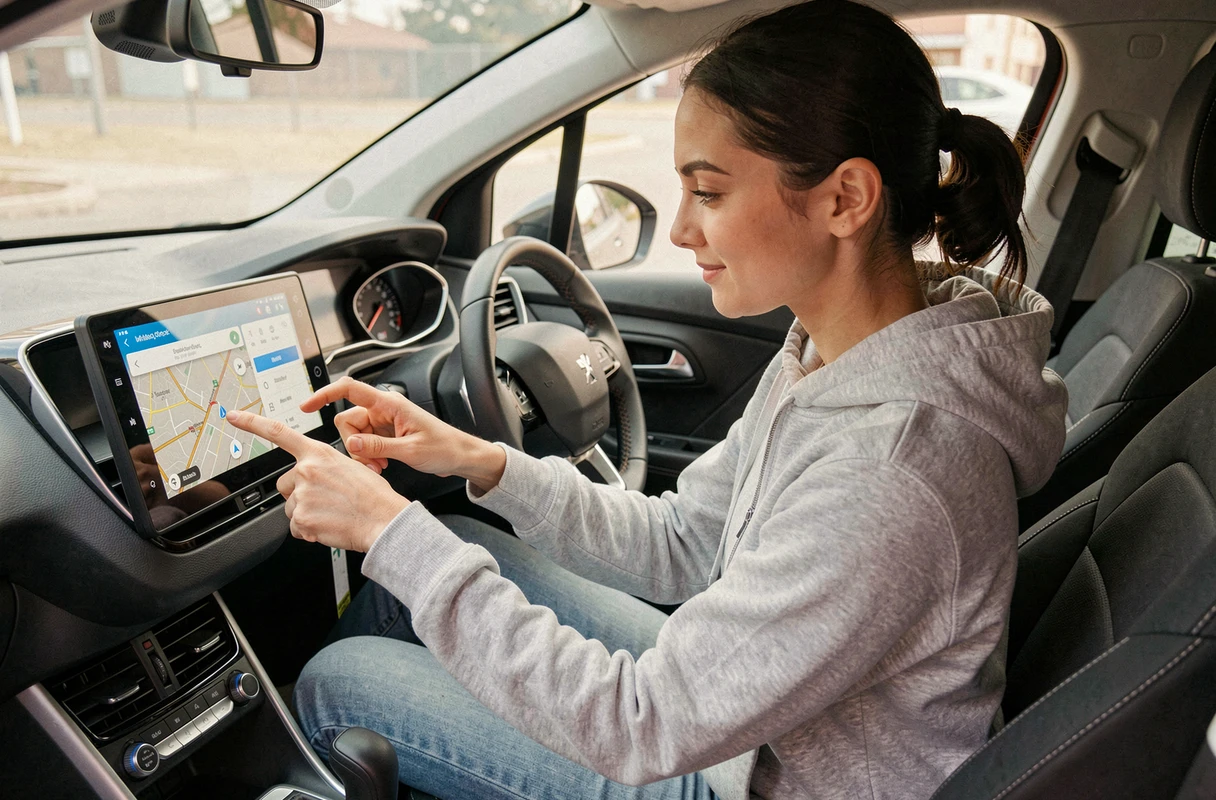
First pairing of Android Auto and Bluetooth on Peugeot radio
The radio is in place, the wires are connected, the screen lights up. The last step is connecting the phone, which blocks many users.
The first pairing of Android Auto must be done using a USB data cable, not a charging cable. This distinction is crucial. Many cables provided with wall chargers do not transmit data. A short, high-quality, data transfer certified cable resolves most detection failures.
Also, follow a specific order to reduce connection failures:
- Turn on the ignition and wait for the Android radio screen to fully start
- Then connect the USB cable between the phone and the USB data port of the radio (not a charging port)
- Accept the permissions on the phone when they appear
For subsequent wireless connections, keep Bluetooth and Wi-Fi enabled on the phone. The first wired connection activates the wireless Android Auto protocol. Automatic reconnections then use Bluetooth for initiation and Wi-Fi for data streaming.
If the wireless connection does not establish, forget the device in the Bluetooth settings of both the phone and the radio, then restart the wired pairing process from the beginning.
A clean connection and a methodical first pairing are enough to transform an Android radio into a reliable multimedia unit in a Peugeot. The most often underestimated point remains the choice of the appropriate canbus box for the exact year and model of the vehicle, well before the question of wire colors.